Antibiogram generator
Antibiogram generator that builds a CLSI M39 cumulative antibiogram from your lab export in minutes
Drop in the susceptibility export your LIS already produces and get the cumulative antibiogram back: first isolate per patient, the 30 isolate rule, percent susceptible by organism and drug, ready to print. No R script, no Power BI model, no week of spreadsheet work.
Try the builder on the sample data, or drop in your own CSV. It is parsed in your browser and never uploaded.
Short answer
An antibiogram generator is software that turns a line list of culture and susceptibility results into a cumulative antibiogram without anyone building the table by hand. Antimicrobe reads a CSV export from your LIS or instrument data manager, keeps the first isolate per patient per organism, flags any cell under 30 isolates as CLSI M39 recommends, and prints percent susceptible by organism and antibiotic. The Lab plan is $249 a month for one facility, bought by card.
What an antibiogram generator has to get right
Making the grid is the easy part. Any spreadsheet can count S results and divide by the number tested. The work that eats a lab manager's week is everything before the division, and that is where a generator earns its price or fails.
The CLSI M39 guideline sets the rules most US hospitals follow for a cumulative antibiogram. Count only the first isolate of a species per patient in the analysis period, so one patient cultured fourteen times does not drag the whole hospital toward their resistance pattern. Use only final, verified results. Report percent susceptible, not percent resistant. Leave out or flag any organism with fewer than 30 isolates, because a percentage on 12 isolates moves 8 points with one result. Report only drugs that were routinely tested, and say which breakpoints were in use.
A real generator applies those rules every time, the same way, and shows its counts so a reviewer can check them. A generator that skips the first isolate rule produces a report that looks finished and is quietly wrong.
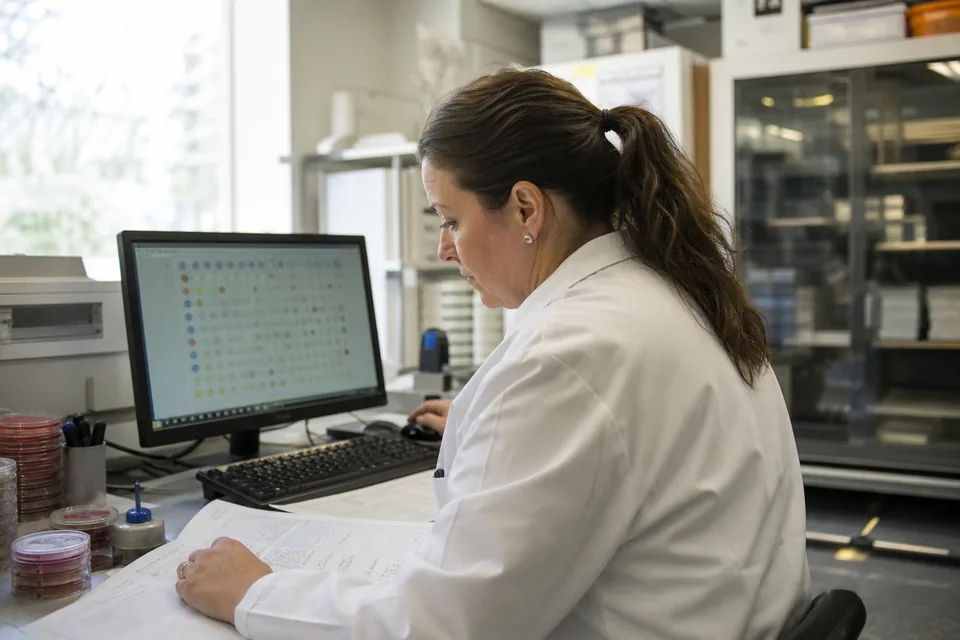
How the generator works, from export to printed report
You do not need an interface project or a new data feed. The same file your lab already pulls for the annual report is enough.
Which export each common system produces and how to map its columns is on LIS integration for antibiogram software. The rules themselves, line by line, are on CLSI M39 antibiogram software.
-
1
LIS or data manager export
One row per organism and drug result, for the year you are reporting
-
2
Column check
Patient ID, collection date, source, unit, organism, antibiotic and S, I or R
-
3
M39 rules applied
First isolate per patient, final results only, cells under 30 flagged
-
4
Cumulative antibiogram
Percent susceptible with counts, printed or exported to CSV
Antibiogram generator options a US lab actually has
Most labs already own at least one way to produce an antibiogram. The question is how many staff hours each one costs and whether it applies M39 correctly without someone checking every step.
If WHONET is the route you are weighing, the trade-offs on a US lab bench are in WHONET alternative for US hospitals.
| Option | What it is | First isolate rule | Who does the work | Cost |
|---|---|---|---|---|
| Excel by hand | Pivot tables on the LIS export | Manual, easy to miss | Lab manager or pharmacist, days per edition | Staff hours |
| Instrument data manager | Antibiogram reports in BD EpiCenter, bioMerieux Observa or Beckman LabPro | Depends on setup | Lab, inside the vendor tool | Part of the instrument contract |
| WHONET | Free WHO desktop program, Windows only | Yes, configurable | Someone trained in WHONET and BacLink | Free, paid in setup time |
| AMR package for R | Open source antibiogram() function for traditional, combination, syndromic and WISCA reports | Yes, with first_isolate() | An analyst who writes R | Free, paid in analyst time |
| Power BI build | In-house dashboard on SQL feeds | Built in DAX and M code | IT plus stewardship team | Analyst time and licenses |
| Antimicrobe | Hosted antibiogram generator that reads a CSV export | On by default, counts shown | Whoever owns the report, minutes per run | $249 a month, Lab plan |
Can you generate an antibiogram in Excel?
Yes, and most small hospitals still do, but Excel does not know the M39 rules. You remove duplicate isolates by hand, decide what counts as the first isolate, hide cells under 30 and rebuild the whole thing next year. It works when one careful person owns it. It breaks when that person leaves, and nobody can say afterwards which rows were dropped.
The real cost is not the license. It is the working days a lab manager or stewardship pharmacist spends on each edition, plus the review time when the numbers look odd. A generator turns that into a repeatable run with the counts printed next to every percentage.
What the published in-house builds tell you
Hospitals that built their own generator show both what is possible and what it costs. A stewardship and infection control team described an electronic antibiogram built in Microsoft Power BI on SQL feeds in Antimicrobial Stewardship and Healthcare Epidemiology in 2023 (Dauphin and colleagues). Their data model selected the first isolate per patient per year to follow CLSI, and yearly updates came down to refreshing the report and changing the calendar year.
The same paper also shows where it gets hard. When the team validated their numbers against the compiled antibiograms from their microbiology middleware and their surveillance system, the two reference reports did not agree, and the cause was cascade reporting of susceptibilities. They treated the middleware data as the source of truth. That kind of validation work is what an in-house build commits you to, every time a rule or a drug panel changes.
The open source AMR package for R takes a different route. Its antibiogram() function supports traditional, combination, syndromic and WISCA antibiograms, uses a default minimum of 30 isolates and expects you to apply first_isolate() first. It is a good tool for a lab with an R analyst on staff. For everyone else it is a project, not a report.
Who buys an antibiogram generator
Reference labs have their own page, antibiogram software for reference labs, and so do hospitals that want the finished report more than the tool, at hospital antibiogram software.
- Microbiology lab managers who own the annual antibiogram and want it out of Excel
- Stewardship pharmacists at 100 to 400 bed hospitals who need unit and source cuts between editions
- Critical access and rural hospitals that must show resistance tracking under the CMS conditions of participation without an analyst
- Reference labs that print client antibiograms for dozens of hospitals, clinics and nursing homes
- Health systems that want one set of rules across every facility instead of one spreadsheet per site
How much does an antibiogram generator cost?
Antimicrobe publishes its price. The Lab plan is $249 a month for one facility, 25,000 isolates a year and two seats, with CSV and print exports, bought by card with no implementation fee. Annual billing is half the monthly price. Stewardship, $749 a month, adds unit and syndrome cuts, quarterly trends and MDRO watch for up to three facilities. Network, $2,400 a month, covers up to twelve facilities with cross-facility comparison and scheduled LIS export ingest.
The free routes are not free. WHONET and the R package cost nothing to download and a lot to set up and keep running. Instrument data manager reports are bundled into contracts that run well past the price of a dedicated tool, and they only see the isolates that instrument tested.
Every plan limit is on the pricing page, and the full budget picture, including what enterprise platforms charge, is in antibiogram software cost.
What this generator does not do
- It does not connect to your EHR or read the medication record. It reads the export your lab produces
- It does not fire real-time patient alerts or run a pharmacist worklist
- It does not submit antimicrobial use or resistance data to NHSN
- It does not change the S, I or R your lab reported on the Lab plan. MIC reinterpretation against current breakpoints is on Stewardship and above
Related reading: hospital antibiogram software, CLSI M39 antibiogram software, LIS integration for antibiogram software, WHONET alternative, antibiogram software for microbiology labs, Antimicrobe pricing. The four steps from susceptibility testing data to an antibiogram cover the method end to end.
Questions
On this page's topic
What is an antibiogram generator?
An antibiogram generator is software that builds a cumulative antibiogram from raw susceptibility results. It removes duplicate isolates, applies the CLSI M39 first isolate rule, flags organisms under 30 isolates and calculates percent susceptible by organism and antibiotic, so the lab does not build the table by hand each year.
How do you make an antibiogram from LIS data?
Export final culture and susceptibility results for the reporting period with patient identifier, collection date, specimen source, unit, organism, antibiotic and S, I or R. Keep the first isolate per patient per organism, drop organisms under 30 isolates, and calculate percent susceptible. Antimicrobe does all of those steps from the CSV in one run.
What data does an antibiogram generator need?
Seven columns cover it: a patient identifier, collection date, specimen source, unit or location, organism, antibiotic and the interpreted result. MIC values are optional. The file can come from Epic Beaker, Cerner, MEDITECH, Sunquest, an instrument data manager or a reference lab, as long as it is one row per organism and drug result.
Does the antibiogram generator follow CLSI M39?
Yes. The first isolate per patient per organism rule is on by default, only the results in your file are used, and any cell under 30 isolates is flagged rather than printed as a clean percentage. The report prints the counts next to each value so a reviewer can check the denominators.
Can I try the antibiogram generator before buying?
Yes. The Antibiogram Builder at the top of this page runs on your own CSV in the browser, so you see the output on your data before you pay. The Lab plan at $249 a month then saves reports, adds seats and handles 25,000 isolates a year.
Is my patient data uploaded when I use the builder?
Not in the on-page builder. It reads the file with the browser and computes every number locally, with no network request carrying your rows. Paid plans store isolates in your facility workspace so you can rerun and compare periods, and identifiers can be hashed before export if your policy requires it.
More on antimicrobial resistance reporting
- hospital antibiogram The annual antibiogram is the most reused document a microbiology laboratory produces, and u...
- antimicrobial resistance surveillance software Resistance surveillance in a US hospital usually means one person, one annual spreadsheet an...
- CLSI M39 antibiogram software Most antibiograms that fail an M39 review fail on the same four things: repeat isolates coun...
- BD EpiCenter antibiogram EpiCenter already holds every Phoenix result your lab produced this year. The work starts af...
- VITEK 2 antibiogram Your VITEK 2 already produced every MIC and interpretation the antibiogram needs. The hard p...
- MicroScan antibiogram Your WalkAway already produced every MIC and interpretation the antibiogram needs. The year-...
Start with your own export
See your own resistance picture, cut the way you actually work
Build the antibiogram on the synthetic sample dataset, or drop in your own CSV and watch it parse without leaving your browser. When you want an account, one email address is the whole sign-up.
Your file is parsed in your browser and never uploaded. No card required.